Free Android gaming on desktop devices
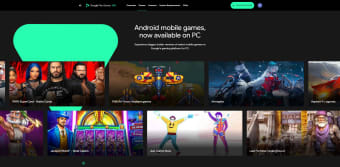
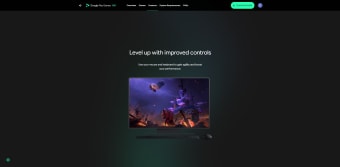
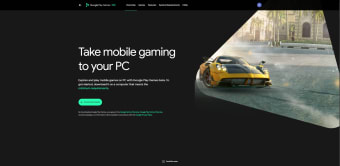
Google Play Games, developed by Google, enables users to enjoy Android titles seamlessly on desktop platforms. This free service bridges mobile and computer gaming, offering access to thousands of optimized titles with enhanced controls and visuals. It delivers a smoother and more flexible experience through keyboard and mouse input, higher resolutions, and synchronized progress across devices linked to the same Google account.
How key features enhance gameplay
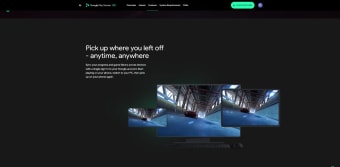
The platform enhances gameplay with responsive controls, sharper graphics, and resolutions that can reach up to 4K for supported titles. Its growing library includes games refined for desktop performance, allowing users to discover options suited to their hardware. Built-in compatibility filters maintain stability, while cross-device syncing ensures achievements and saves remain accessible. This unified environment creates an immersive and consistent experience across multiple platforms.
Simple steps to launch and enjoy
Getting started is simple, guided by a clear installation process through Google’s official website. The program runs on modern desktop systems that meet minimum hardware requirements, including a multi-core processor, sufficient memory, and solid-state storage. Hardware virtualization may be required for optimal performance. Once installed, users can browse, download, and play compatible Android games with intuitive desktop navigation and smooth responsiveness.
Final thoughts
Google Play Games successfully connects mobile and desktop entertainment through an accessible, performance-optimized ecosystem. It combines improved control precision, visual clarity, and reliable progress syncing, allowing users to enjoy Android titles beyond handheld devices. While performance depends on system capabilities, its expanding library and easy setup make it a practical choice for anyone seeking seamless cross-platform gaming.